Your widgets
Forecast Sharing
How to do it Select the main map icon for 'wind' and on the right side, you can choose a icon 'jet'. A color map is displayed in the range 60 m/s + (Units can be set in 'settings'.) Arrows, flags or particles can also be set in 'settings'.
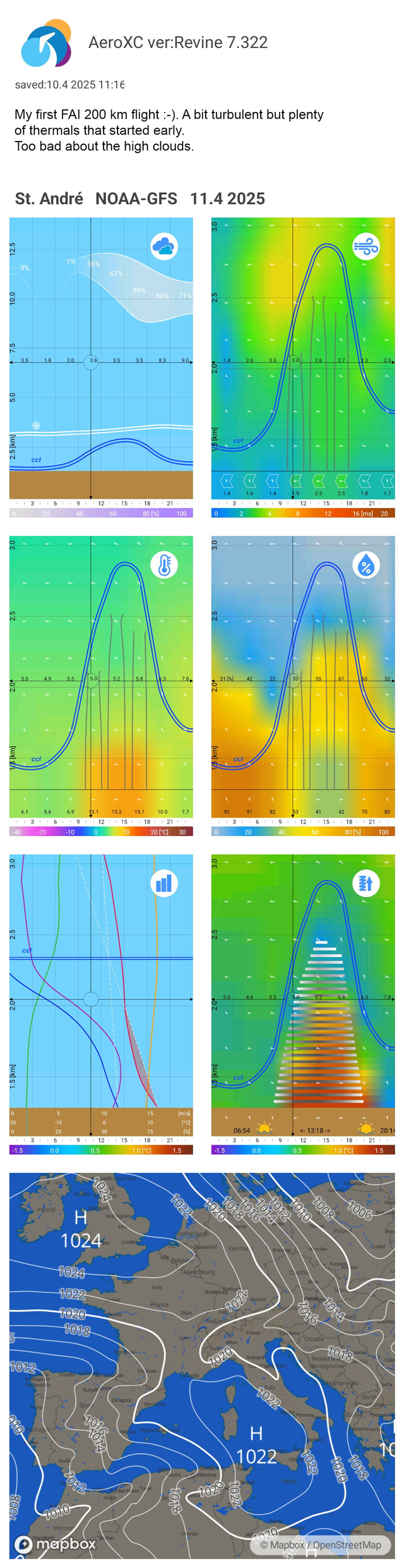
Save today's weather for today's flight. Or save the forecast for later comparison - for example, with future flights under similar conditions? Or just want to send a weather summary to a friend. Now it's very easy.
Simply tap the "Share" icon, select the forecast cards you want to include, and use the "Share" button to create an image to share. You can write your comment in the field below. You can then save the image or send it directly.
The image automatically includes the location name, forecast date, model used and app version - no need to type anything manually.